From Booking to Table: A Practical Information Flow for Allergies and Special Needs
A look at how allergy and preference information can flow in a structured way from the moment of booking, through a clear message to the kitchen, to a visible reminder for the server at the table - without any of it becoming a medical or legal assessment.
Start with a Clear Question at Booking
Many restaurants let guests write free text about allergies in a comment field. Free text is unpredictable: some guests write in detail, others simply write "see previous visit," and some write nothing at all because the field seems optional. A clear question - for example, a checkbox combined with a short text field - ensures the information arrives in a format that is easy to read quickly, before the guest confirms the booking.
In TableBooking, the restaurant can create a booking link that guests use without setting up an account, which lowers the threshold for filling in the field compared to a verbal phone booking. Exactly when and how often the guest should be asked about allergies - at first booking, at confirmation, or both - is something each restaurant should decide based on its own routines.
Make the Information Readable for the Kitchen
The kitchen doesn't have time to read lengthy booking comments in the middle of service. The information should therefore be reshaped into a short, consolidated overview per table, sorted by arrival time, with the allergy and preference field highlighted first. Whether this overview takes the form of a printout, a board, or a digital list is a choice the restaurant must make itself - what matters is that the format stays consistent from day to day.
A consolidated overview of bookings and tables, updated continuously, makes it easier to pull out this list before service begins, rather than searching through individual bookings as guests arrive. The goal is for the kitchen to see the information once, well in advance, rather than encountering it as a surprise once the food is already underway.
Link the Information to the Right Table When Food Is Served
Even when the kitchen has the correct information, it does little good if whoever carries out the plate doesn't know which table it's for, or mixes up table twelve with table twenty-one in a hectic dining room. A reference image of the table layout can make it easier for staff to locate the right spot quickly, particularly in venues with an irregular layout or multiple rooms.
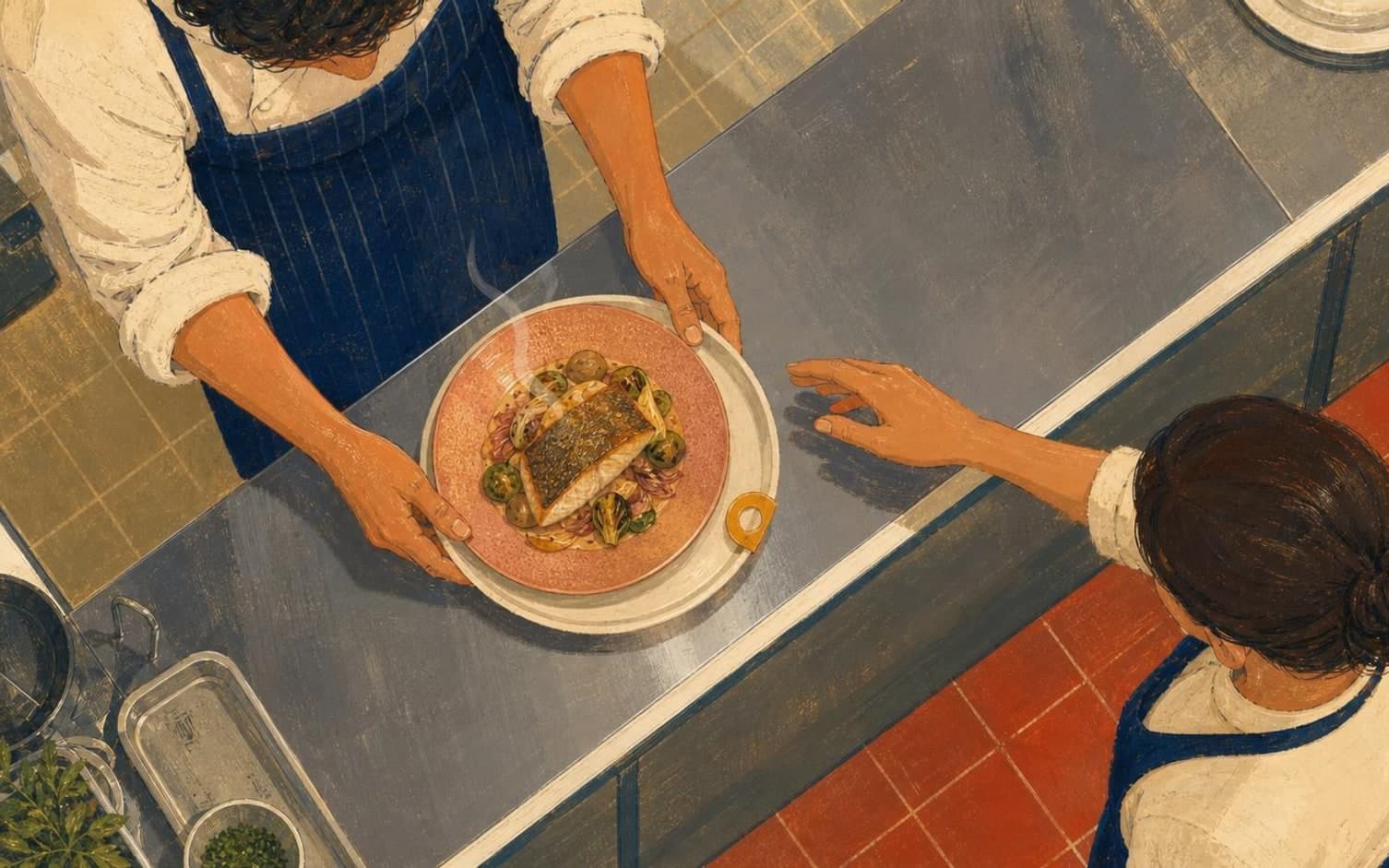
A practical routine is for the person placing the food on the serving tray to say the table number out loud to the colleague carrying it out. It takes only a few seconds, but it closes the gap between the kitchen's list and the server's action - the final link where information otherwise easily gets lost in the pace of service.
Close the Loop with a Brief Confirmation
An information flow that only moves in one direction - from booking to kitchen to table - is missing an important detail: no one confirms that the message was actually read and understood. A simple routine is for the server to say "confirmed" to the kitchen once the dish has been served to the correct table, so the sender knows the message was received and handled properly.
This is especially useful when several tables have different needs on the same evening, increasing the risk of mix-ups. A brief internal acknowledgment, without any separate written system beyond what the restaurant already uses for bookings and table maps, makes the entire chain - from what the guest wrote at booking to what actually happens at the table - visible to the whole team.
Want to see how it works in practice?
Start with a free restaurant account and build your tables, opening hours and booking link at your own pace.
Start free