From Booking to Table: The Information Flow for Allergies and Special Needs
A practical look at how information about allergies and special needs can follow a fixed route - from the booking, through the kitchen, to the server setting the table - without any step being skipped.
Where the Information Flow Begins: The Booking Itself
When a guest books a table through a booking link, this is often the first place where allergies or special needs get noted. On TableBooking, restaurants can create such a link that guests use without setting up an account, making the booking process quick and straightforward. Precisely for this reason, the restaurant should have a clear field where this information can be entered, without it getting lost among other comments.
Without a fixed structure, important information can end up mixed in with general requests, such as a window table or a birthday celebration. Should the restaurant separate special needs from other notes already at the booking-form stage? Such a distinction makes it easier for the front desk and kitchen to locate the information quickly, without having to read through long, informal messages before service begins.
From Booking to Kitchen: A Fixed Handover Routine
A restaurant can choose to gather information about special needs in one place, rather than having it scattered across paper notes or spoken messages. When the kitchen has access to the same overview before service starts, staff can prepare for which tables require extra attention, without waiting for a message to come in during a busy rush.
Who should review the day's bookings before the shift starts, and how should tables with special needs be marked on the floor plan? The restaurant decides for itself whether this is handled by the kitchen manager, the head waiter, or another role. The point is that the overview exists before the first guest arrives, so no one has to search for notes in the middle of service.
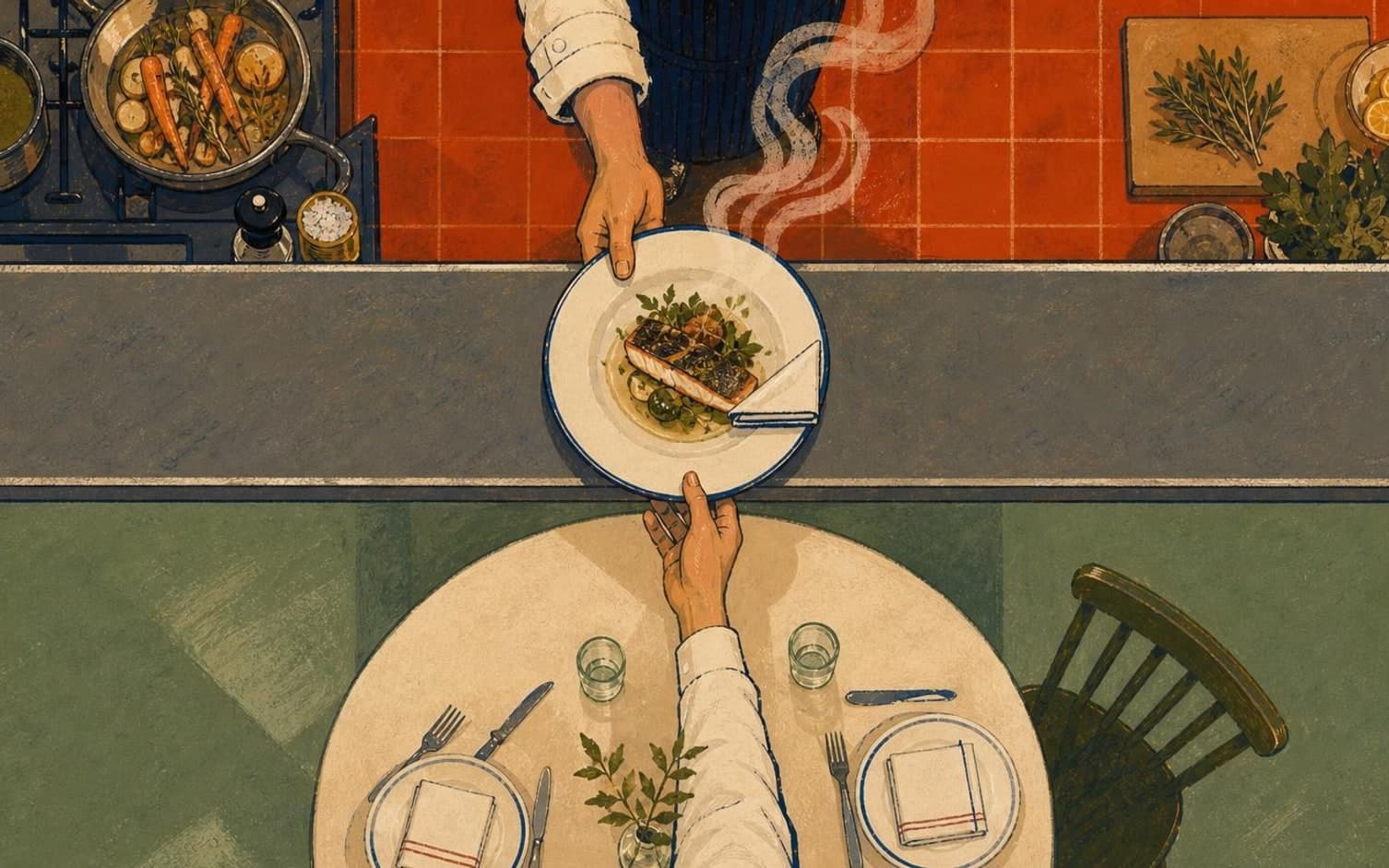
From Kitchen to Server: Confirmation Before the Table Is Set
Even with good information from the kitchen, it can be easy to mix up tables when the restaurant is full, particularly if several tables look similar in design or placement. A reference photo of the table - whether kept in an app, in a folder, or on a printout - can make it easier for the server to connect a note about special needs to the correct physical table.
Should the kitchen and service staff confirm the information one last time before the food is placed on the table? This could be a quick nod, a spoken word, or a check mark on a list - the restaurant chooses the form itself. The principle remains the same regardless of method: the message is confirmed one final time before the plate reaches the guest, without anything being noticeable from the outside.
Keeping the Routine Alive Throughout the Evening
Not all information arrives through the booking. Some guests mention special needs only once seated at the table, and the restaurant should have already decided where that message should go next. Should the server note it directly to the kitchen, or should it be entered into a shared overview? This should be clarified in advance, so no one assumes someone else will pass it along.
At the end of the evening, it can be useful to review which tables had special needs and whether the message actually got through as planned. Such a brief review can help the restaurant spot weak points in the routine - for instance, a message that was written down but never read before the next service.
Want to see how it works in practice?
Start with a free restaurant account and build your tables, opening hours and booking link at your own pace.
Start free