Operational plan for holiday bookings: capacity, menu and seating times
A concrete model for how restaurants can set capacity figures per date rather than for the whole season, consolidate menu information into a single source for all channels, assess seating times and group thresholds based on demand, and build in a short daily check that catches discrepancies before service begins.
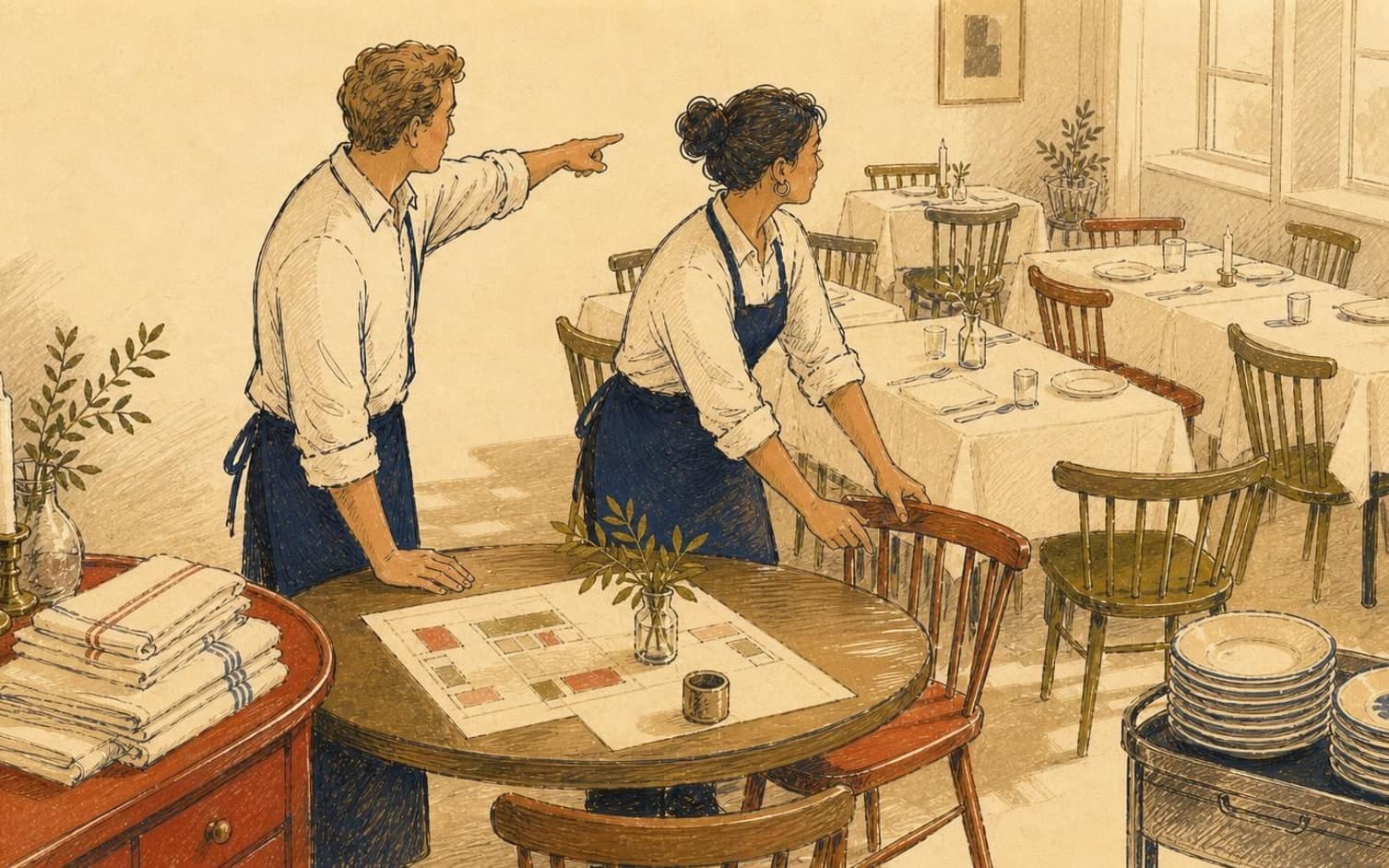
Capacity figures that follow the date, not the whole season
Many restaurants set a single capacity figure for all of December, but each date during the holidays has its own conditions. A Christmas party evening with several courses often requires longer table turnover than New Year's Eve, when guests tend to arrive later. Kitchen prep time, staffing levels on shift and menu type should therefore determine the capacity figure for each individual date - not an average for the whole season. How many dates during the holidays require their own capacity figure at your restaurant?
Build a simple table with columns for date, maximum number of guests per seating, expected table duration and number of staff on shift. Which dates should be prioritised first - Christmas Eve, Boxing Day, New Year's Eve or the Fridays between Christmas and New Year? Test the figures through an early week of the season, and adjust the capacity figure based on this experience rather than locking it in all the way through to Christmas.
A standardised menu description for each booking type
When menu information is given verbally over the phone, worded slightly differently in the booking confirmation, and phrased a third way on social media, it creates confusion for guests and extra questions for staff. Create one standard sheet per menu type - Christmas party menu, family Christmas dinner, New Year's menu - with price, number of courses, allergen codes and the deadline for pre-selection, and use the same wording across all channels.
How many days before the visit should the pre-selection deadline be set, and how should allergies be marked at the table? Print out the standard sheet and place copies both at reception and in the kitchen, so that the information the guest received at booking matches what is actually served when demand is high throughout the evening.
Seating times and group thresholds adapted to demand
During the holidays, more sittings run through the same evening than usual, so seating time must be managed more tightly than during the rest of the year. How long should the seating time be for each booking type - perhaps shorter for a Christmas party than for a relaxed New Year's dinner? Make the limit known to staff before the season starts, not only once the table is ready for the next guest.
Also set a clear group threshold: what size should be treated as a regular table, and from what number should the booking be flagged to the kitchen and the responsible manager well in advance of the visit? Clarify this internally before the holiday season, so that large parties don't catch the kitchen off guard in the middle of a hectic evening.
Communication with guests and a daily check-in routine
Give guests clear deadlines already at the time of booking: the final deadline for changing the number of guests, the cancellation policy and any dress code. In TableBooking, the restaurant can set up opening hours, capacity and tables for each date, and guests use a booking link without creating an account - this makes it easier to keep information consistent throughout the entire season.
Build in a short daily check throughout the whole season, not just before the busiest dates. How much time should the person in charge set aside each morning to review the day's bookings, group sizes and table plan in the dashboard? Such a routine catches discrepancies between what has been booked and what staff are prepared for, before the first guest walks through the door.
Want to see how it works in practice?
Start with a free restaurant account and build your tables, opening hours and booking link at your own pace.
Start free