How Restaurants Can Prepare Operations for Holiday Bookings
A practical guide to setting fixed seating times and capacity for holiday dates, keeping menu information centralized and current, building clear thresholds for groups, and establishing a daily control routine in the weeks leading up to the holidays.
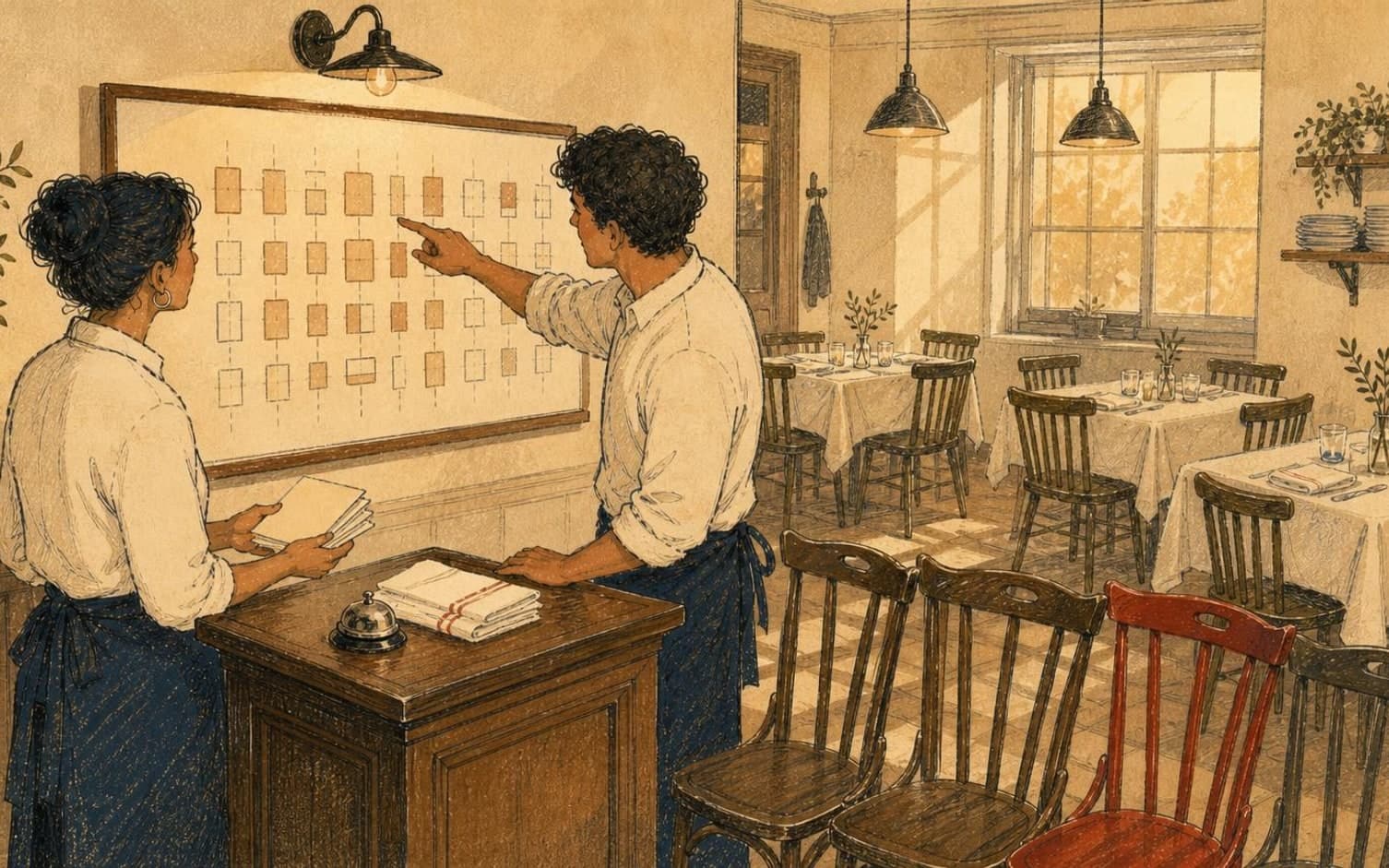
Fixed seating times provide control when pressure rises
Under normal operations, rolling bookings work well, but on the busiest days, such as the Christmas party season or New Year's Eve, restaurants should consider fixed seating times rather than an open time window. How many seatings allow the kitchen to run smoothly, and which time slots they should fall on, is something each restaurant must assess based on its own staffing and table capacity.
Holiday meals can take longer than a regular dinner, with more courses and more conversation between servings. Consider whether the estimated duration should be set higher than usual for the rest of the calendar, and whether a buffer should be built in between seatings, so that one table staying a little longer doesn't automatically delay the next group waiting at the bar.
Menu information centralized in one place, not scattered across channels
Holiday menus may have different pricing, different allergen options, and more optional add-ons than the regular menu. Gather this information on a single page linked from the booking confirmation, rather than sending it as an attachment or in separate messages. This way, neither guests nor staff need to search for which version actually applies to the event in question.
Update the page as soon as anything changes, for example if a dish is swapped due to ingredient availability. Also note the date of the last update visibly on the page, so that staff at the bar and on the floor can quickly confirm that the information the guest has seen actually matches what the kitchen is serving that particular week.
Clear thresholds for groups before the season begins
Define in advance how many guests should trigger different routines than the standard booking process, and set a concrete limit that fits the restaurant's floor plan and kitchen capacity. Above this threshold, the restaurant should require one named contact person, a deadline for confirmed numbers, and possibly a deposit tied to the size of the party, so that uncertainty about attendance doesn't arise close to the busy holiday weekends.
Also set a specific date by which menu choices must be finalized at the latest, and consider how many days before the event this deadline should fall in order to give the kitchen enough time to plan. Without such a deadline, the kitchen easily ends up receiving notice of allergies or special dishes on the same day, when it's too late to adjust purchasing or prepare anything outside the standard setup.
A daily check in the weeks leading up to the holidays
Build a short routine to be carried out every day during the busiest weeks: how many bookings fall on the critical dates, which groups still lack confirmed numbers, and whether any days are approaching the capacity limit. This kind of daily review catches deviations while there's still time to adjust staffing or reach out to a group that hasn't responded.
In TableBooking, the dashboard shows a combined overview of bookings, guests, and the floor plan, so this check can be done from a single place rather than checking multiple lists. Tables can also have a reference image, so staff can quickly find the correct setup when guests actually arrive and the evening gets underway.
Want to see how it works in practice?
Start with a free restaurant account and build your tables, opening hours and booking link at your own pace.
Start free