Split Opening Hours Without Booking Chaos: Last Seating and Internal Checks During the Break
A practical look at how restaurants with a break between lunch and dinner can set a last seating time for each service period, use the break as a fixed internal checkpoint, and configure the system so that guests cannot book tables into the gap between the two sittings.
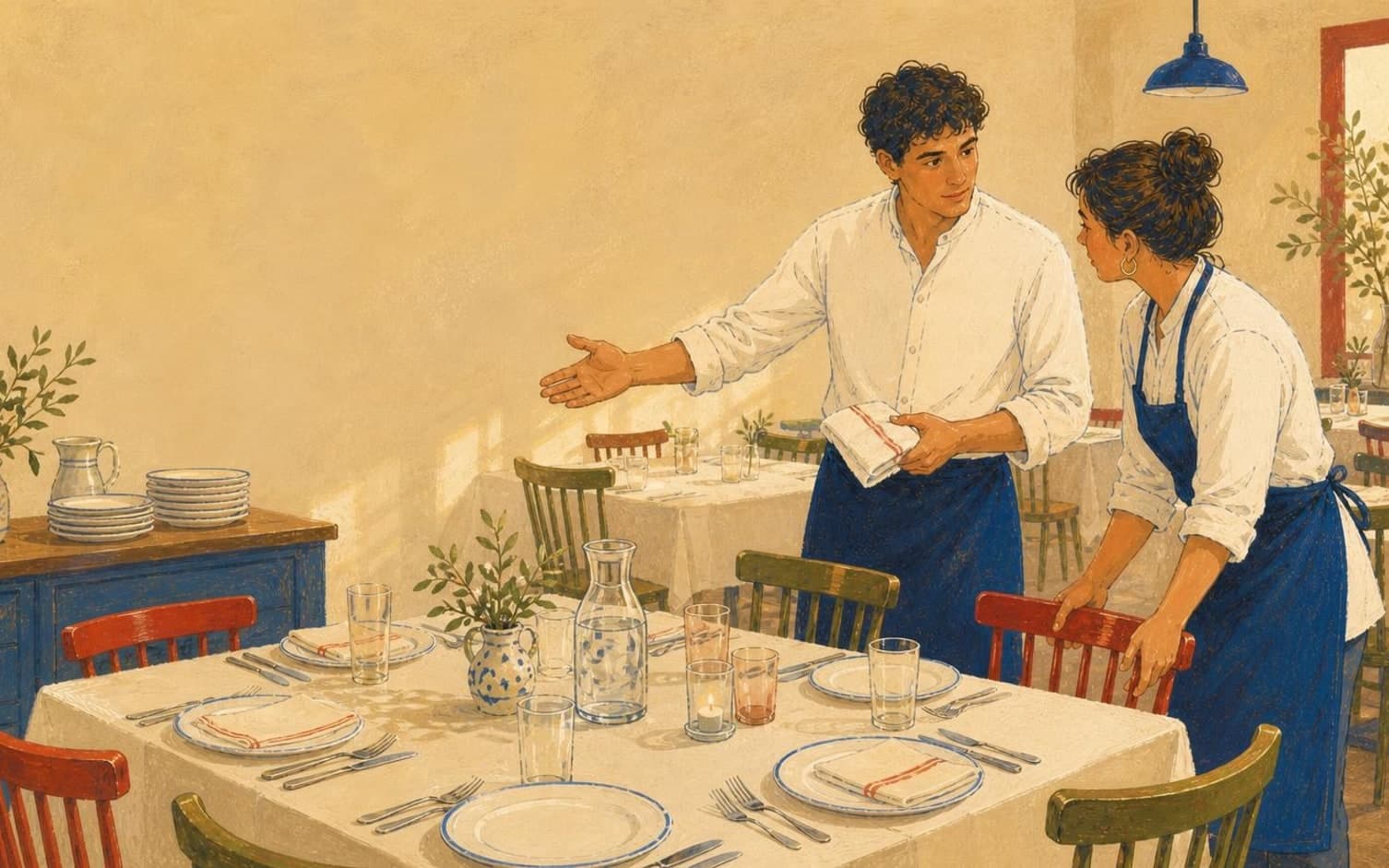
When the break becomes a hidden source of stress
Many restaurants with split opening hours find that the real challenge isn't lunch or dinner itself, but the transition between them. Guests book tables right up against the break without knowing the kitchen needs time to reset, and staff end up managing two service periods that blur together instead of being clearly closed and reopened.
The result is often a table that hasn't been cleared when the next guest arrives, or a kitchen team forced to start dinner prep while the last lunch guest is still seated. This rarely happens because staff are disorganised, but because opening hours function in practice as one long stretch without a clear boundary that both guests and employees can rely on.
Base last seating on dining duration, not just the clock
Last seating should be calculated backwards from when the break actually begins, based on how long a table typically takes during that particular period. How long a guest stays for lunch compared with dinner varies from venue to venue, and should be established internally rather than assumed as a fixed pattern. This assessment should be made separately for each period, not as a blanket rule for the whole day.
The two periods should therefore have their own, independent rules for last seating rather than one shared rule. A restaurant might ask itself: does lunch close earlier than dinner, and how much time does the kitchen need between the two sittings? The answers will vary, but treating the periods as two separate blocks makes the last-seating calculation more precise for each one.
The break as a fixed internal checkpoint
The break between lunch and dinner shouldn't just be a period with no bookings, but a defined window with its own tasks and responsibilities. A short checklist can cover clearing tables, checking the floor plan against the evening's bookings, updating any deviations from lunch service, and a quick review of groups or special requests noted for dinner.
When the break has a fixed content, it becomes easier to plan staffing around it. Some employees can go off shift, others can use the time for preparation, and a named person can be responsible for confirming everything is ready before dinner service opens. This turns the transition into a routine repeated the same way every day, rather than a random pause between two hectic periods.
System structure that prevents bookings in the gap
When opening hours are set up as two separate blocks with their own last-seating times, guests cannot book into the time between lunch and dinner. In TableBooking, the restaurant configures opening hours, capacity and tables, and the booking link guests use then only shows times within the periods actually set up for service.
The dashboard displays bookings, guests and the floor plan, so staff can see the overview for both periods within the same system. Reference photos on the tables, intended to help staff find the right table during service, make it easier to keep track when many tables need turning over and staffing changes between lunch and dinner.
Want to see how it works in practice?
Start with a free restaurant account and build your tables, opening hours and booking link at your own pace.
Start free