From booking to table: a clear routine for allergies and special needs
A look at how restaurants can ensure that information about allergies and special needs follows the guest all the way through - from booking, via the kitchen's preparations, to the server who sets and serves the table.
Where the information often gets stuck
Many restaurants collect information about allergies and special needs in one place, but let it stop there. The guest writes it in a comment when booking, and no one takes responsibility for passing the message on. The result is that the information exists somewhere in the system, but not where it's actually needed when the food is being prepared and the table is set.
Without a fixed route between booking, kitchen and server, it becomes a matter of chance whether the right person sees the information in time. On a busy evening, messages easily become verbal and get lost in the noise between orders. It doesn't help that the guest actually provided all the relevant details, if that information never reached the people who needed to act on it.
Step one: information is registered at booking
With TableBooking, the restaurant can create a booking link that guests use without setting up an account, and information the guest enters when booking is gathered in the dashboard, where bookings, guests and the table plan are shown in one place. The restaurant should decide for itself where in the booking process the guest should state allergies and special needs, and how detailed the note should be.
Once the booking is registered, the restaurant should set a fixed time to review upcoming bookings and flag which ones involve special needs. Should this happen the day before, the same morning, or right before service starts? Without a clear time set, it's easy for the information to sit unattended until the guest is already on their way in.
Step two: from booking to kitchen
The next step is to move the information from the booking overview to the kitchen before service starts, not in the middle of it. The restaurant should clarify who is responsible for this review, and how long before opening it should take place - ten minutes, thirty minutes, or at the start of the shift handover. A fixed routine ensures the kitchen knows what's coming before the first order comes in.
The review should be linked to which table the guest is seated at, so the kitchen can see which table has which need, not just which guest. The restaurant can choose whether this is shown on a board, in a written note, or passed on verbally by a named person. What matters is that the link between table and need is clear before the food is prepared.
Step three: from kitchen to server at the table
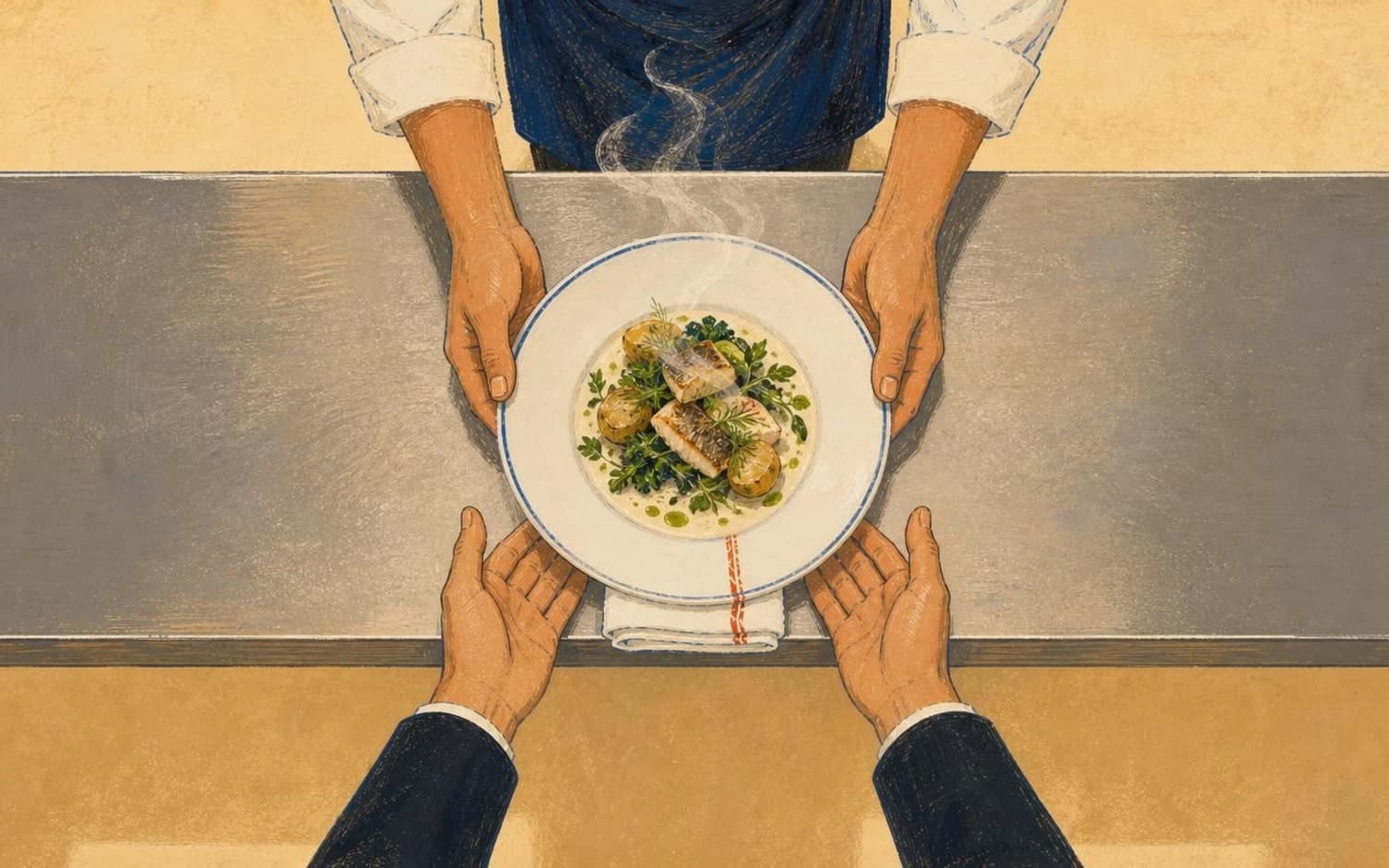
The final step is that the server receives the message before greeting the guest, not after. The restaurant should clarify how this message is passed on - a brief verbal update before the table arrives, or a fixed spot on a list the server checks before each new guest. The goal is for the server to be able to mention it naturally, without having to ask from scratch about something the guest has already stated.
Once the dish has been served, the restaurant should consider whether a quick signal back to the kitchen is needed - for example, confirming that the right table received the right follow-up. This can be done verbally, with a simple marker, or in whatever way the restaurant finds practical. Such feedback makes it easier to catch discrepancies before the same guest books a table again.
Want to see how it works in practice?
Start with a free restaurant account and build your tables, opening hours and booking link at your own pace.
Start free