From Booking to Table: A Clear Routine for Allergies and Special Needs
A practical walkthrough of how a restaurant can build an information flow for allergies and special needs that runs from the booking link, through the dashboard, to the kitchen and waitstaff, without anything getting lost along the way.
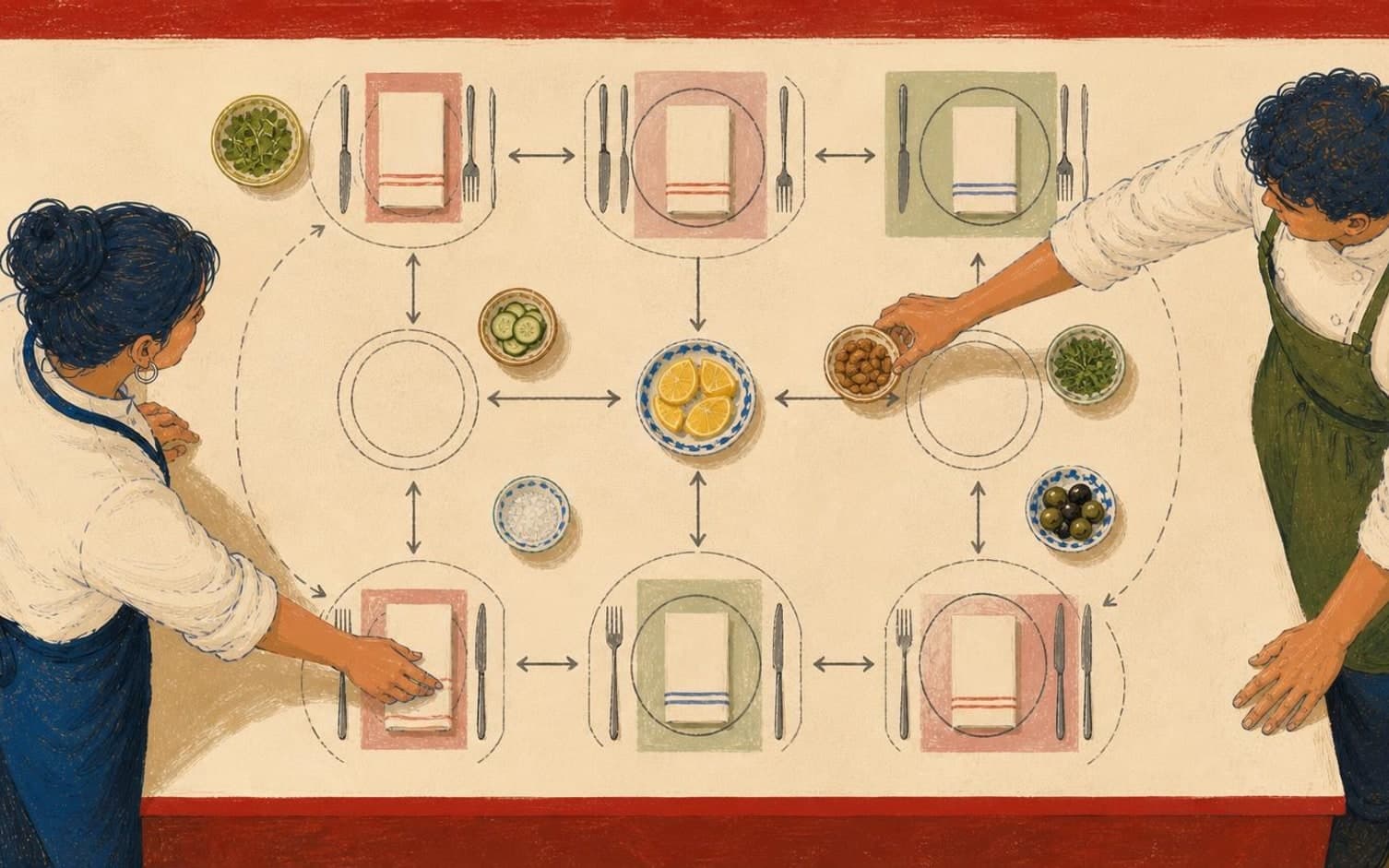
A Structured Collection Point at Booking
When a restaurant gathers information about allergies and special needs, the booking step should distinguish between categories rather than lumping everything into an open comment field. Dedicated options for allergies, mobility, prams, or a quiet table let the guest respond precisely, and ensure the same type of information always appears in the same place in the booking.
Free text easily becomes imprecise, especially when several staff members read it at different times. A guest who writes "a bit careful with nuts" gives less to work with than a fixed option that clearly flags the information as food-related. Fixed categories let the kitchen and waitstaff read the same type of information the same way, every time.
The Dashboard as a Shared Reference Before Service
A dashboard that shows bookings, guests, and the table map together gives the kitchen and floor staff a single source to rely on, instead of verbal messages retold throughout the day. Exactly when preparations for an allergy or special need should begin is up to each restaurant to decide, but a shared overview makes it possible to start earlier than if the information only arrives with the order.
This also reduces how often the guest has to explain the same thing again. If the guest has already ticked a category in the booking, the waiter avoids asking questions the guest has already answered. This can lead to a calmer arrival, and the kitchen receives the information before the order comes in, not at the same time as it.
Table Map and Reference Photo Linking Information to the Right Spot
A reference photo of the table helps staff find the correct seating quickly, and this becomes especially useful when a table has a special arrangement, such as extra space for a pram or wheelchair. The photo means new or temporary staff don't have to guess, but can see directly which table the note applies to.
Combined with the table map in the dashboard, the restaurant can link a category directly to a table, not just to a booking in a list. This shortens the step from information to physical action, and reduces the risk of the right table being set incorrectly because the information sat somewhere other than where staff actually were.
A Confirmation Round Before Service
Even with good structure, it can be useful for the kitchen and waitstaff to go through the evening's categories verbally before service starts, as a brief confirmation that everything listed in the dashboard has also been read and understood. How long such a round should take is up to each restaurant to decide, but it catches cases where a category has been selected, yet the details around it remain unclear.
Because the booking link can be used without the guest creating an account, and the interface is available in Norwegian, Swedish, Danish, and English, more guests can fill in information themselves, in their own language, before the visit. TableBooking offers a free start-up described on the pricing page, so the restaurant can set up this structure from the outset.
Want to see how it works in practice?
Start with a free restaurant account and build your tables, opening hours and booking link at your own pace.
Start free