Operational Plan for Holiday Bookings: Six Elements Brought Together in One Document
A review of how a restaurant can consolidate capacity, menu information, seating times, group thresholds, communication and daily checks into one written plan for peak holiday days - rather than relying on verbal agreements and last year's experience.
Capacity and Seating Times as Fixed Decisions
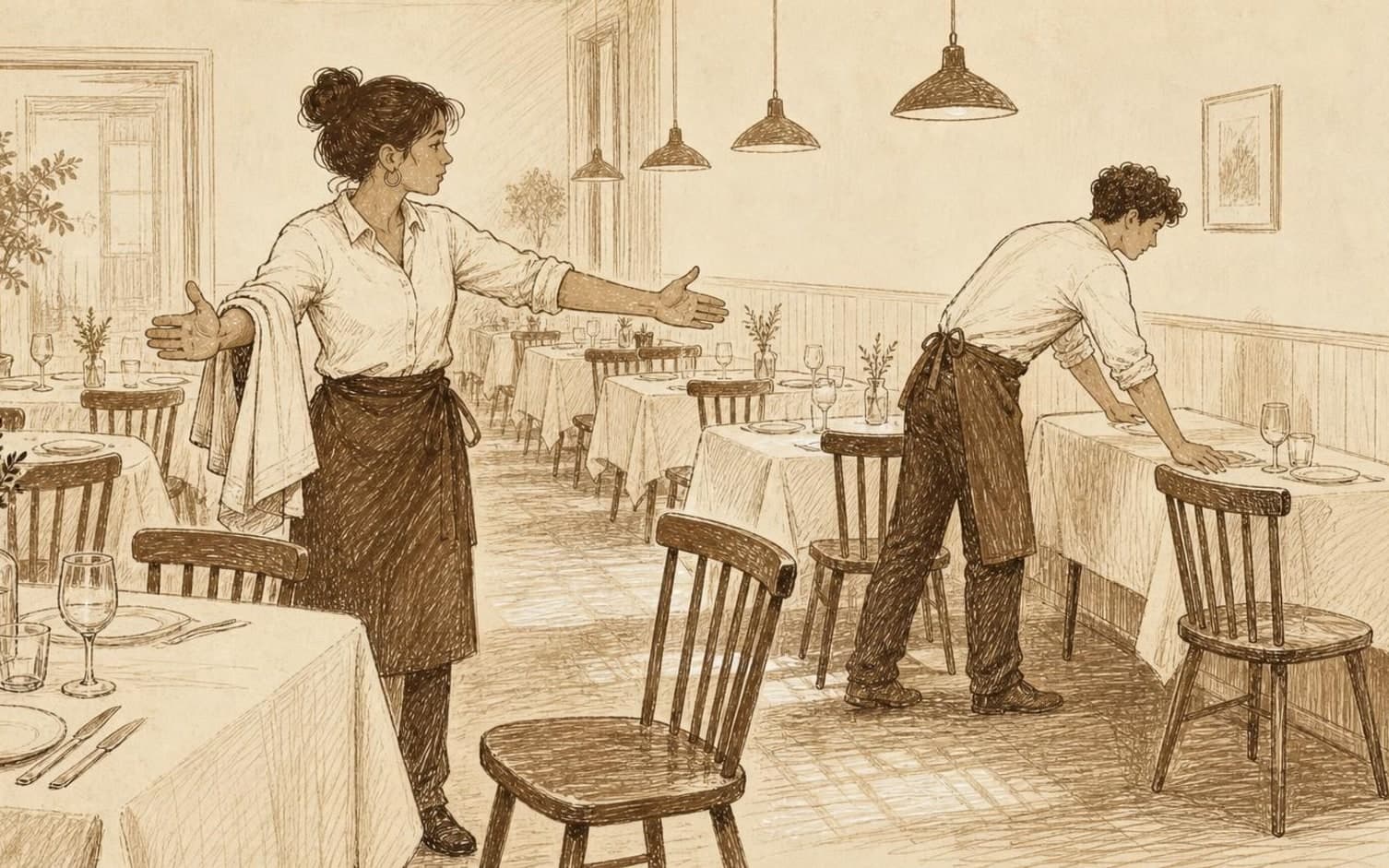
Holiday days don't follow the same pattern as a regular weekday, so capacity should be clarified in advance. How many guests should the restaurant seat per time slot on Christmas Eve, New Year's Eve and other holiday dates? Write down the answer together with which tables are actually available that day, including tables reserved for staff dinners or closed for practical reasons.
When seating times are fixed rather than flexible, it becomes easier to give the same answer regardless of who on the team handles the inquiry. How much time should be allowed between tables, and which seating slot is the last option of the evening? Write down the times for each seating slot, so the whole team shares the same reference before the phone starts ringing.
Menu Information and Groups in the Same Document
Does the restaurant's holiday menu have its own prices, allergy variants and ordering deadlines that differ from the regular menu? Gather the answers in one place - price per person, what's included, the final deadline for pre-ordering, and how allergies should be reported. When the information is consolidated, staff don't need to search through multiple threads when a guest asks for details in the middle of a hectic period.
Should groups have separate thresholds during the holidays? Decide from what guest count a group must order a set menu, provide a named contact person, or confirm with a deposit. Write down the limit specifically, for example eight guests or more, so the answer stays consistent regardless of who on the team handles the inquiry.
Communication from Confirmation to Arrival
The guest's confirmation should include information specific to that day - which menu is being served, the final deadline for changes, and what happens if the group doesn't show up at the agreed time. With TableBooking, the restaurant can create a booking link guests can use without creating an account, and the dashboard displays bookings, guests and the table map together, making the information easy to find.
Regularly check that the number of confirmed guests matches the capacity set for the day, and that no seating slot is overbooked because several team members accepted bookings independently of each other. Also clarify who is responsible for updating the confirmation if the guest changes the headcount or arrival time at the last minute.
Daily Checks Throughout the Holiday Period
During the holiday period, a brief daily check should be carried out before service begins. Check tomorrow's confirmed groups against the group thresholds that have been set, confirm that allergy information has actually reached the kitchen, and review whether any seating slots are approaching full capacity. This check takes only a few minutes, but it catches discrepancies while there's still time to adjust.
After each holiday day, it's worth setting aside a few minutes for a brief debrief with the team. Note what worked with the seating times, whether any group thresholds were set too low or too high, and whether the menu information reached guests clearly enough. These notes ensure that the plan for the next holiday day builds on actual experience, not just last year's estimates.
Want to see how it works in practice?
Start with a free restaurant account and build your tables, opening hours and booking link at your own pace.
Start free